

목차
- Why pipeline tracking software is Essential for Growth
- 리더 CRM - 디지털 개인 비서
- 실제 사용 사례
- 리더의 주요 이점
- Key questions about pipeline tracking software
- 오늘 시작하기
Why pipeline tracking software is Essential for Growth
Pipeline tracking software is a cornerstone of success for small and mid-sized businesses seeking to grow revenue and streamline their sales process. Using pipeline tracking software, teams can visualize sales stages, ensure timely follow-ups, and eliminate deals falling through the cracks. This clarity leads to improved sales forecasting, better team collaboration, and ultimately a more organized approach to winning new clients. An effective solution makes complex sales workflows manageable and promotes steady growth.

리더 CRM - 디지털 개인 비서
- 통화 기록 및 후속 알림 자동화
- 클릭 한 번으로 브랜드 견적서 생성
- 작업, 파이프라인 및 리드 조직 관리
- 다음 통화 시 메모가 다시 표시되는 스마트 발신자 표시 기능
- 팀 공유, 이메일 및 SMS 캠페인
- WhatsApp, 소셜 프로필, 교육 및 커뮤니케이션 타임라인을 포함한 인사이트
- iOS, Android 및 웹용 네이티브 앱
- 20개 이상의 언어로 제공
- 30일 무료 체험판, 신용카드 필요 없음
- 연간 요금제: 월 12.5달러
실제 사용 사례
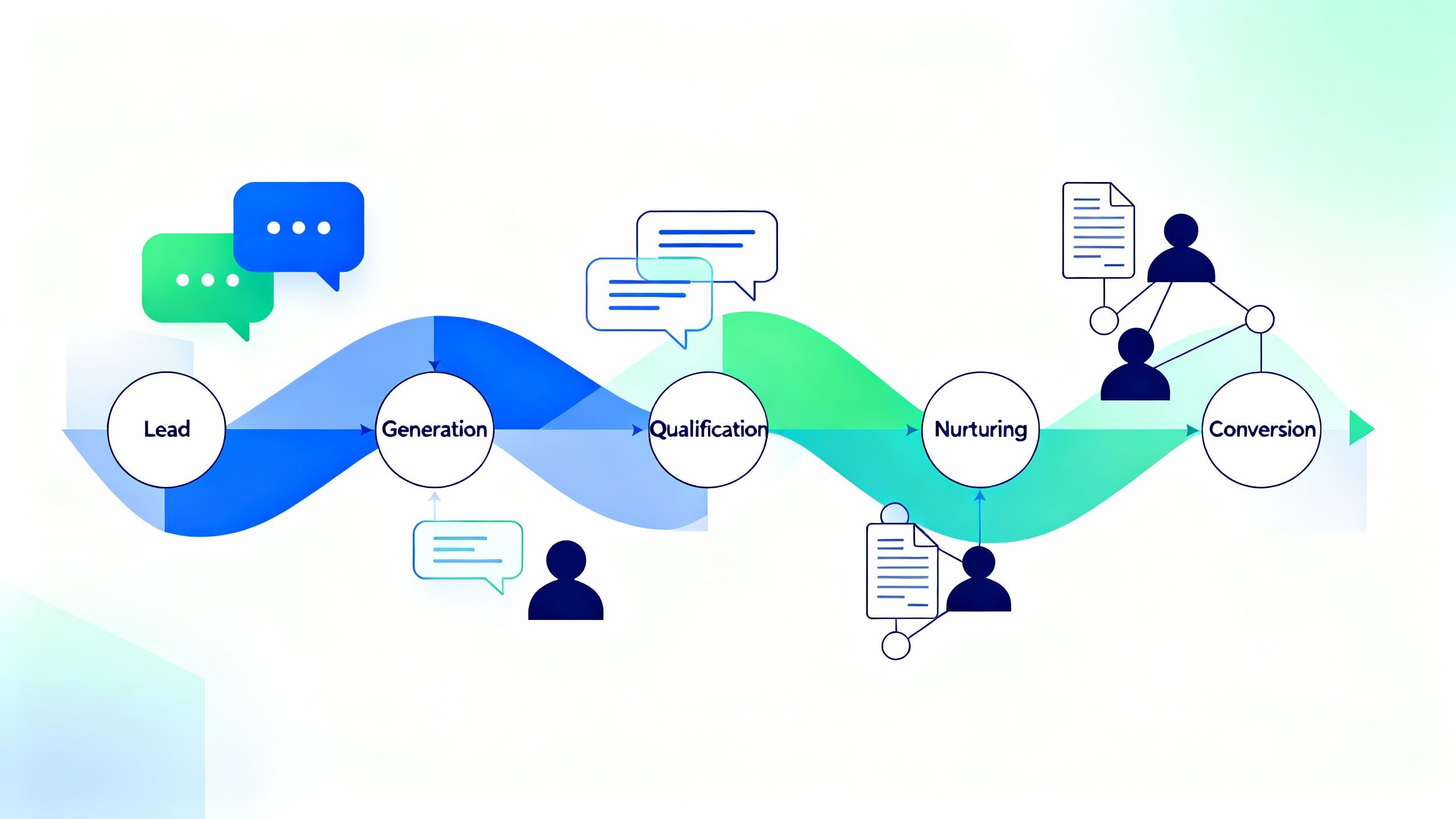
A small professional services team uses LEADer to organize calls, track follow ups, and send branded quotes instantly, keeping their pipeline updated and their clients engaged. With LEADer as their pipeline tracking software, every sales activity is logged automatically, tasks are assigned promptly, and quote generation is handled in a few clicks. This structure allows them to move leads through the funnel efficiently, track progress at every stage, and avoid missing critical follow-ups—resulting in higher conversion rates and improved client satisfaction.

리더의 주요 이점
How pipeline tracking software Works Inside LEADer CRM
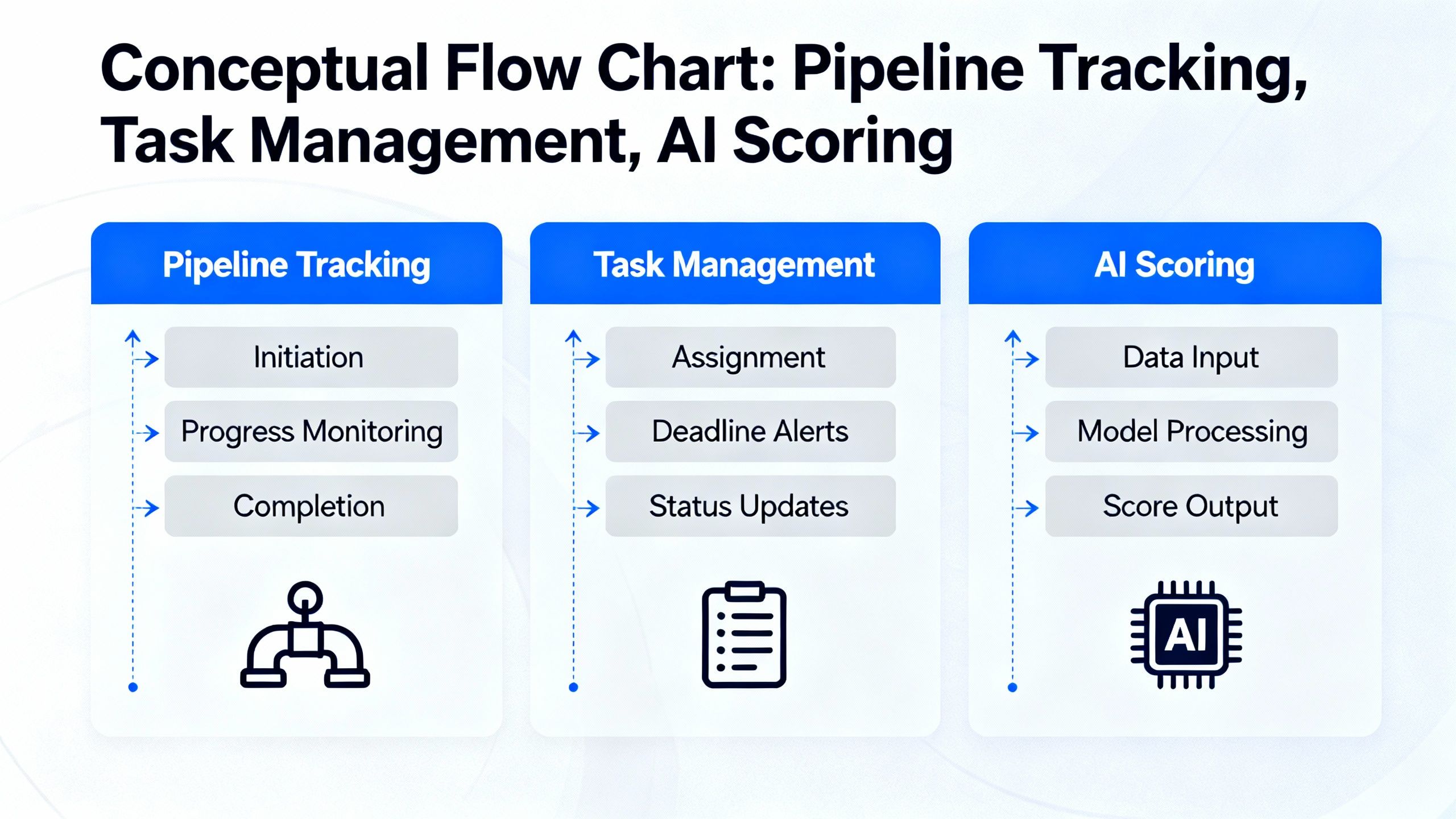
LEADer provides a comprehensive visual pipeline tailored for lead management, leveraging business domain tags for better organization and searchability. Users can create branded proposals, track deal statuses, and interact with all lead files from a single platform. The integrated task management ensures no activity gets overlooked, and with AI powered call analysis plus the LeadSense AI scoring, teams identify the most promising leads quickly.
Key questions about pipeline tracking software
How does pipeline tracking software like LEADer help teams stay organized?
Pipeline tracking software organizes all leads and sales activities in one visual system, offering clarity on deal stages, responsible team members, and follow-up reminders. LEADer enhances this process by promptly logging calls, resurfacing notes on subsequent calls, and centralizing tasks.
What makes LEADer CRM stand out as pipeline tracking software?
LEADer offers automation of routine tasks, smart business domain tags, instant branded quotes, and AI powered lead scoring—all verified capabilities in the knowledge base. The software also provides true multi-channel communication history, robust mobile support, and works in over 20 languages, making it accessible for global teams.
Can LEADer CRM’s pipeline tracking software be tried for free?
Yes, LEADer provides a 30 day free trial with no credit card required, allowing teams to explore all features, including pipeline tracking, lead management, and branded quote generation before committing.
오늘 시작하기
영업 프로세스를 혁신하고 리드를 놓치지 않을 준비가 되셨나요?
===seo_fields===
{
"meta_description": "Discover how pipeline tracking software in LEADer CRM streamlines sales, boosts efficiency, and helps SMBs organize and grow with every lead.",
"tags": ["pipeline tracking software", "lead management", "CRM efficiency", "sales organization", "LEADer CRM", "business growth", "pipeline visibility", "AI CRM"],
"image_alt": "Two professionals discussing sales stages using pipeline tracking software on a digital display"
}
