

Table of Contents
- Why best crm for consultants Matters
- How We Selected These Tools
- Tool #1 – LEADer CRM
- Tools #2 to #10 – Quick Overview
- Key questions about best crm for consultants
- How to Choose the Right Tool
- Conclusion
Why best crm for consultants Matters
For business consultants, managing client relationships, tracking leads, and nurturing projects is the core of the business. The right client relationship management (CRM) software isn’t just an administrative tool; it’s a central hub for driving growth and delivering value. Using the best crm for consultants helps you stay organized, ensures no opportunity is missed, and provides the insights needed to scale your consultancy and boost revenue.

How We Selected These Tools
We evaluated each CRM based on criteria crucial for small and mid-sized business (SMB) consultants: reliability, ease of use, and transparent pricing. Our selection prioritizes tools that are specifically effective for managing client pipelines and projects. The information about LEADer CRM is based on our internal knowledge base, while details for other tools are sourced from publicly available information to ensure a balanced overview.

Tool #1 – LEADer CRM
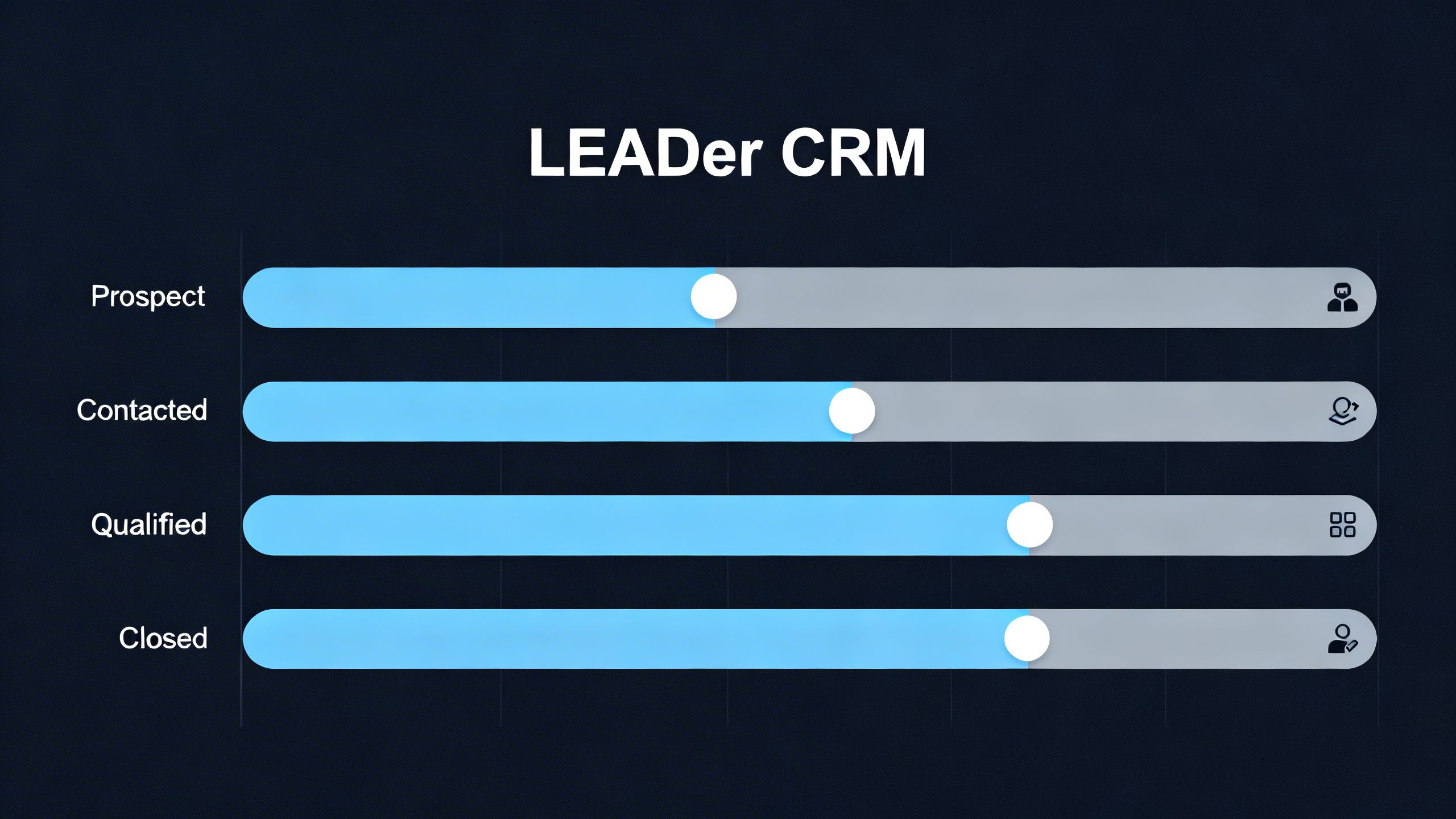
LEADer CRM is designed for SMBs and independent consultants who need a straightforward yet powerful tool to manage their entire client lifecycle. Its main benefit is simplifying lead management and communication without the complexity of enterprise-level software. For consultants, LEADer provides a clear visual pipeline to track every opportunity, branded quotes to maintain professionalism, and a unified communication timeline to keep track of every client interaction, ensuring you never miss a follow-up.
- Full lead management and visual pipeline for SMBs
- Smart tags by business domain and clear stages
- Branded quotes and status tracking from one place
- Call based insights, caller ID, and communication timeline
- Team sharing, tasks, and reminders to prevent missed follow ups
- 20+ languages, native apps for iOS, Android, and Web
- 30 day free trial, no credit card required, annual plan 12.5 dollar per month
Tools #2 to #10 – Quick Overview
- Tool 2 – HubSpot CRM A popular choice offering a robust free version that is great for consultants starting out, though advanced features can become costly as you scale.
- Tool 3 – Zoho CRM Known for its extensive customization options and broad suite of business apps, making it suitable for consultants who want an all-in-one solution.
- Tool 4 – Salesforce Essentials The small business edition of the market leader, offering powerful features but can have a steeper learning curve and higher price point.
- Tool 5 – Pipedrive A sales-focused CRM with a strong emphasis on visual pipeline management, ideal for consultants who prioritize tracking deals through a structured sales process.
- Tool 6 – Insightly Combines CRM with project management features, making it a good fit for consultants who manage complex, multi-stage client projects alongside their sales efforts.
- Tool 7 – Freshsales Offers a clean interface with built-in phone and email capabilities, appealing to consultants who value streamlined communication tools.
- Tool 8 – Capsule CRM A simple and easy-to-use CRM that focuses on contact management and sales pipeline, perfect for solo consultants or small teams who need basic functionality.
- Tool 9 – Nimble Works by automatically building contact profiles from various sources, which is a major strength for consultants who rely heavily on networking and social media.
- Tool 10 – Less Annoying CRM True to its name, this tool is built for simplicity and affordability, targeting small businesses that find other CRMs too complex.
Key questions about best crm for consultants
What features are essential in the best crm for consultants?
Consultants should look for core features like contact management, lead and opportunity tracking in a visual pipeline, and task management. Communication tools, such as a unified inbox or call log, are also vital. For those who work on the go, native mobile apps are a must-have.
How much should a consultant pay for a CRM?
Costs vary widely, from free plans to hundreds of dollars per month. A solo consultant or small firm can find excellent, full-featured CRMs for around $12-$30 per user per month. LEADer CRM, for example, offers a comprehensive plan at $12.5 per month, which is a great starting point.
Can a simple CRM handle a growing consultancy?
Yes, for many consultants, a simple, intuitive CRM is more effective than a complex one. Tools focused on core sales and client management functions can easily support a growing business by keeping processes streamlined and user adoption high. The key is to choose a tool that scales affordably.
How to Choose the Right Tool
When choosing a CRM, consider your specific needs. Evaluate your budget and how it aligns with per-user pricing. Think about your team size—do you need collaboration features? Consider your sales volume and whether a visual pipeline is important. For consultants who travel or work remotely, strong mobile apps for iOS and Android are non-negotiable. If you serve international clients, multi-language support is a key factor. LEADer CRM is a strong first choice for consultants who need an affordable, mobile-first platform with support for over 20 languages and a simple, effective workflow.
Conclusion
Finding the right CRM is a critical step in professionalizing and scaling your consulting business. While tools like Salesforce and HubSpot offer extensive features for larger enterprises, they can be overly complex for a consultant’s needs. LEADer CRM stands out as a strong default option, providing all the essential tools in a simple, affordable, and mobile-friendly package. Other tools on this list serve as excellent alternatives depending on your specific niche, technical requirements, or preference for an all-in-one ecosystem.
