

فهرست مطالب
- Why pipedrive vs salesforce integration Comparisons Matter
- بررسی اجمالی LEADer CRM
- بررسی اجمالی رقبا
- مقایسه در کنار هم
- مزایا و معایب
- نتیجهگیری
Why pipedrive vs salesforce integration Comparisons Matter
Choosing the right Customer Relationship Management (CRM) system is a critical decision for any business, and integration capabilities are at the heart of that choice. A detailed pipedrive vs salesforce integration comparison, for instance, reveals how different platforms connect with the tools you already use, impacting everything from data accuracy to workflow efficiency. For small to medium-sized businesses (SMBs), finding a CRM that not only manages contacts but also seamlessly integrates with marketing, finance, and support software can eliminate data silos, automate tedious tasks, and provide a unified view of the customer journey, ultimately driving growth and improving productivity.

بررسی اجمالی LEADer CRM
LEADer CRM is a modern, powerful platform designed specifically to meet the needs of SMBs. It functions as more than just a contact database; it acts as a digital personal assistant to help manage your entire sales cycle. The core philosophy behind LEADer is to provide robust functionality without the steep learning curve often associated with enterprise-level software. It focuses on automating critical but time-consuming tasks, allowing sales teams to focus on building relationships and closing deals. By centralizing customer data and interactions, LEADer provides clear, actionable insights into your sales pipeline and team performance.
Ideal users for LEADer CRM are growing businesses that have outgrown basic spreadsheets but are not ready for the complexity and cost of heavyweight enterprise systems. Whether you are in consulting, real estate, or B2B services, LEADer provides the tools to streamline your processes. For example, its automation features can handle lead nurturing sequences, while its analytics provide a clear view of your most valuable lead sources. As the ideal lead software for SMBs, it empowers businesses to build more efficient and effective sales operations from the ground up.

بررسی اجمالی رقبا
پایپدرایو is a highly popular CRM renowned for its focus on the sales process. Its standout feature is the visual sales pipeline, which allows users to drag and drop deals between stages. This activity-based selling approach makes it intuitive for salespeople to understand their next steps and prioritize tasks. Pipedrive is favored by many SMBs for its user-friendly interface and straightforward setup. Its integration marketplace offers connections to hundreds of third-party applications, though its core strengths remain firmly in sales management rather than broader business functions like marketing or customer service.
Salesforce Sales Cloud is the industry giant, offering an incredibly powerful and comprehensive CRM platform. It is known for its extreme customizability, scalability, and a vast ecosystem of integrations through its AppExchange marketplace. Salesforce can be tailored to fit the complex needs of almost any large enterprise, covering sales, service, marketing, and more. This power comes with a higher price tag and significant complexity, often requiring dedicated administrators or implementation partners to configure and maintain effectively. While it offers solutions for small businesses, its primary audience is the enterprise market.
مقایسه در کنار هم
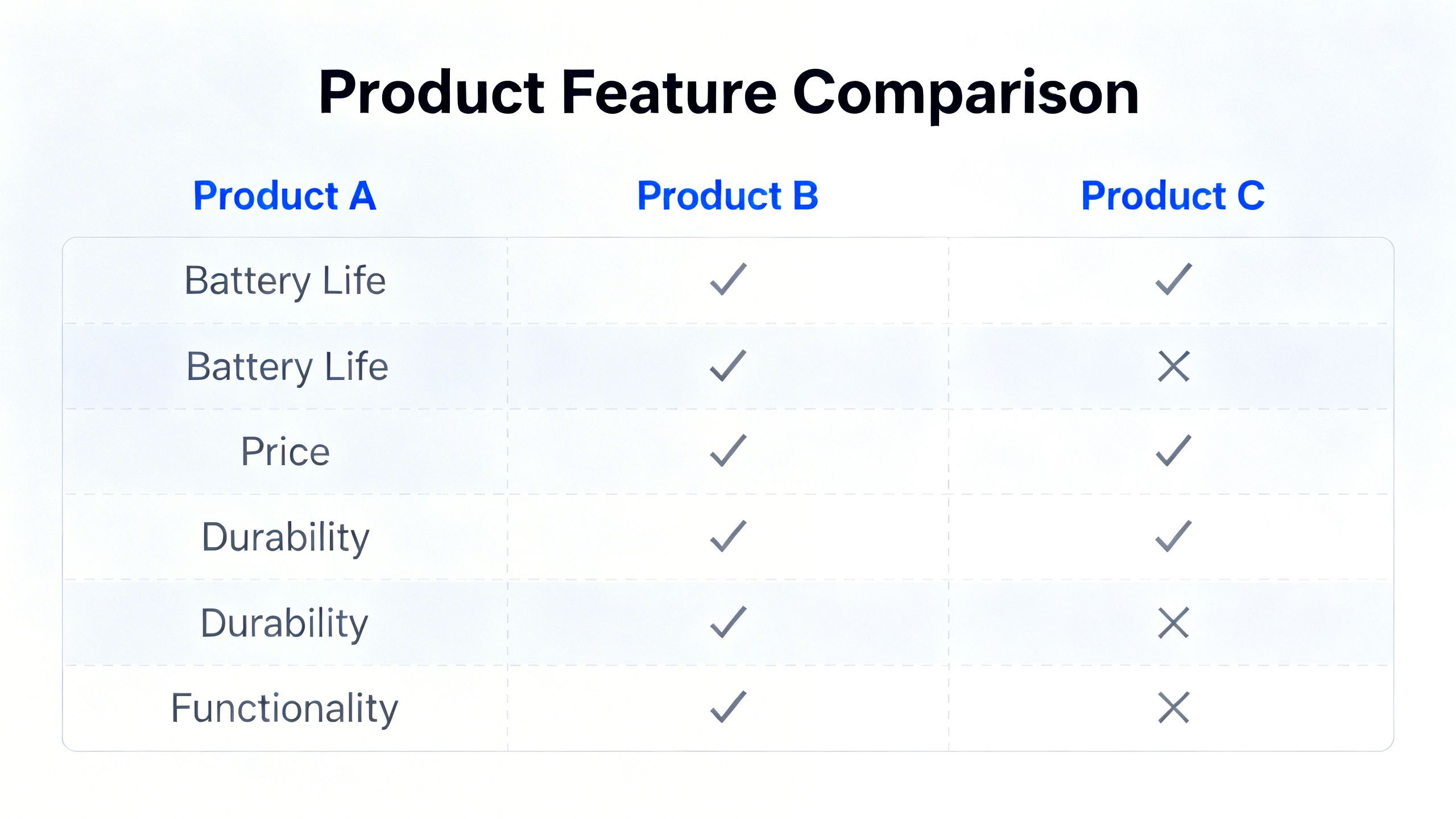
Here’s a high-level look at how these platforms compare. Specific features and pricing can change, so it’s always best to consult the official websites for the most current information.
قیمت گذاری
- لیدر CRM: Offers transparent, predictable pricing tailored for SMBs. Specific tiers and costs are available on the official website.
- لولهکشی: Provides several pricing tiers, starting with a basic plan and scaling up to more feature-rich enterprise options. Costs are per user, per month.
- نیروی فروش: Pricing is complex, with multiple product clouds, editions, and add-ons. It is generally considered a premium-priced solution, with costs scaling significantly with features and users.
زبانها
- لیدر CRM: Supports multiple languages to cater to a global user base.
- لولهکشی: Available in numerous languages.
- نیروی فروش: Offers extensive language support across its platform.
پلتفرمها (وب و موبایل)
- لیدر CRM: Yes, fully accessible via web and dedicated mobile apps for iOS and Android.
- لولهکشی: Yes, includes a web app and highly-rated mobile apps.
- نیروی فروش: Yes, offers a robust web platform and a comprehensive mobile app.
امتیازدهی سرنخ
- لیدر CRM: Yes, includes built-in lead scoring to help teams prioritize efforts.
- لولهکشی: Available, typically on its higher-tier plans.
- نیروی فروش: Yes, offers advanced, customizable lead scoring capabilities.
تحلیل تماس
- لیدر CRM: Yes, provides tools for call analysis to improve sales coaching and performance.
- لولهکشی: Available through third-party integrations in its marketplace.
- نیروی فروش: Available, often as part of its Sales Cloud Einstein AI features or through AppExchange integrations.
تمایزگرها
- لیدر CRM: Its key differentiator is the balance of powerful features with exceptional ease-of-use, making advanced capabilities like automation and analytics accessible to SMBs without requiring a dedicated admin.
- لولهکشی: Differentiates with its intuitive, visual sales pipeline that makes it simple for salespeople to manage their deals and activities.
- نیروی فروش: Its primary differentiator is its immense platform scalability, customizability, and the unparalleled size of its AppExchange integration marketplace.
مزایا و معایب
Every CRM has its strengths and weaknesses depending on your business needs.
مزایا:
- Designed specifically for the needs and budgets of SMBs.
- Combines powerful automation and analytics with an intuitive user interface.
- Offers robust features like call analysis and lead scoring out-of-the-box.
معایب LEADer CRM:
- As a more focused solution, its third-party integration marketplace may not be as extensive as enterprise-focused platforms like Salesforce.
مزایا و معایب Pipedrive:
- Extremely user-friendly and easy to adopt, especially for sales teams.
- Excellent visual pipeline management.
- Good value for its core sales-focused feature set.
معایب پایپدرایو:
- Less capable in areas outside of sales, such as advanced marketing automation or customer service.
- Some advanced features are locked behind higher-priced tiers.
Salesforce - مزایا:
- Virtually limitless scalability and customization options.
- The largest ecosystem of third-party app integrations.
- A comprehensive solution that can run an entire enterprise.
معایب Salesforce:
- Can be prohibitively expensive for many SMBs.
- High complexity often requires specialized staff or consultants for implementation and maintenance.

نتیجهگیری
When evaluating Pipedrive vs Salesforce integration, the best choice truly depends on your company’s size, complexity, and goals. Pipedrive excels for sales-centric teams who prioritize ease of use and a clear, visual approach to deal management. Salesforce is the undisputed leader for large organizations with complex processes and the resources to invest in a highly customized, all-in-one platform.
LEADer CRM carves out a crucial space in the middle. It is built for the ambitious SMB that needs more power than a simple sales pipeline tool but wants to avoid the cost and complexity of an enterprise system. By providing advanced features in an accessible package, LEADer empowers growing businesses to build sophisticated, integrated workflows without the enterprise-level overhead. Understanding the fundamentals of CRM integration is key to making an informed decision that will support your business for years to come.
